GraalVM Native Image: Advantages, Disadvantages and Real-World Experience
Introduction
What is GraalVM?
The full name of GraalVM is quite interesting when broken down. It's not a simple abbreviation, but rather a combination of a noun and an abbreviation:
Graal: Derived from the Old French word "Grail" (the legendary "Holy Grail," often referring to a coveted object capable of solving ultimate problems).
VM: Abbreviation for Virtual Machine. Therefore, GraalVM literally means "Holy Grail Virtual Machine."
💡 Why dare to call itself the "Holy Grail"? (Its core ambition) Oracle officially named it "Holy Grail" because its initial development goal was to completely break down the barriers between programming languages,
achieving two ultimate dreams: Polyglot (the "Holy Grail" for multi-language programming): In traditional thinking, Java can only run on the JVM, Python on CPython, and JavaScript on V8.
GraalVM's ambition is to become a universal platform. Within GraalVM, you can directly call Python algorithms from Java code, or allow JavaScript and C++ to share a single memory block.
It aims to be the "holy grail" for all mainstream programming languages.
Native Image (the "holy grail" of performance and security): This is the feature we're working on today.
It breaks the tradition that Java must rely on a JVM to run, directly compiling Java into native machine code like C++, achieving virtual machine-free operation, instant loading, ultra-low memory usage, and Significantly harder to reverse engineer than standard Java bytecode.
While its functionality is incredibly powerful, as you just experienced, forcibly translating an old graphics library like Swing into C++-level machine code on Linux,
the "holy grail" comes at the cost of extremely high CPU power consumption to analyze the massive dependency file chain.
GraalVM, as a high-performance, multi-language (Polyglot) virtual machine, supports an extremely rich ecosystem of programming languages.
It not only supports the traditional Java ecosystem but also enables efficient execution of dynamic languages, scripting languages, and even compiled languages through its core Truffle framework.
Supports languages such as Java, JavaScript, Python, and Ruby.
Its most well-known feature is Native Image.
Advantages of GraalVM
Faster Startup Time
Traditional JVM:
Startup
Class Loading
JIT Compilation
Warm-up
GraalVM Native Image:
Executes local binaries directly.
Startup speed is extremely fast.
Suitable for:
CLI tools, Microservices, Serverless
Lower Memory Consumption
Many simple programs:
HotSpot JVM
100~300MB
Native Image:
20~50MB Very attractive for container environments.
Native Executables
Generates:
myapp
Instead of:
java -jar myapp.jar
Simple deployment.
Better Cloud-Native Support
Especially suitable for:
Kubernetes
Docker
AWS Lambda
Azure Functions
Longer Build Time
Native Image Compilation Time:
Tens of seconds
Minutes
Large projects may take even longer
Reflection Problems
Spring Reflection
Native Image recognition is not always automatic.
Additional configuration required: reflect-config.json
Larger Build Complexity
Standard Java:
java -jar app.jar
GraalVM:
native-image ...
The configuration is significantly more complex and extremely CPU-intensive.
CPU overheating is a very normal, even inevitable, phenomenon.
GraalVM's native-image compilation is one of the most performance-intensive tasks at the computer's lowest level, consuming resources even more than large 3D games or 4K video rendering.
Even if your JAR file is only 400KB, it still has to process tens of megabytes of Java's underlying Swing graphics library.
Here are the reasons for the CPU overheating and some tips for dealing with it:
Why Does GraalVM Native Image Use So Much CPU?
Why does it get so hot?
Traditional Java compilation (javac) only converts source code into JVM bytecode. This process is relatively lightweight and usually completes within seconds.
GraalVM Native Image is fundamentally different. Instead of generating bytecode, it performs Ahead-of-Time (AOT) compilation and produces a native executable for the target operating system.
During the build process, GraalVM must:
- Analyze the entire application dependency graph
- Perform global static code analysis
- Detect reachable classes, methods, and resources
- Resolve reflection, proxies, and dynamic features
- Remove unused code
- Generate optimized machine code
For Swing applications, the workload can become even larger because GraalVM needs to process a significant portion of the AWT and Swing class libraries, even when the final application is relatively small.
To reduce build time, GraalVM typically utilizes all available CPU cores. On modern multi-core processors, it is common to see CPU utilization reach 100% during native-image compilation.
As a result, increased CPU temperature, higher power consumption, and louder cooling fans are completely normal during the build process.
My Experience
Traditional Java compilation (javac) simply turns code into bytecode (JAR file), a process that takes only a few seconds. GraalVM, however, performs AOT (Ahead-of-Time) compilation.
It needs to dissect thousands of Swing/AWT core classes, perform global static code analysis, cut out unnecessary code, and finally translate the remaining code into the lowest-level machine code (assembly instructions).
To shorten compilation time, it will by default instantly run all your CPU cores (e.g., 8 cores and 16 threads) at 100% full load.
Runtime Performance Is Not Always Better
Many people misunderstand:
Native Image = Faster
In reality:
Faster startup
Lower memory usage
But for long-term operation:
HotSpot JVM
May be even faster after JIT optimization.
Debugging Is Harder
When a problem occurs with a native image:
More complex to locate
Less logging
Difficult to debug compared to a regular JVM.
Real-World Use Cases
Suitable for:
Command-line tools
Microservices
Cloud functions
DevOps tools
Not necessarily suitable for:
Large, long-running enterprise systems
Highly dynamic reflection projects
Large IDEs
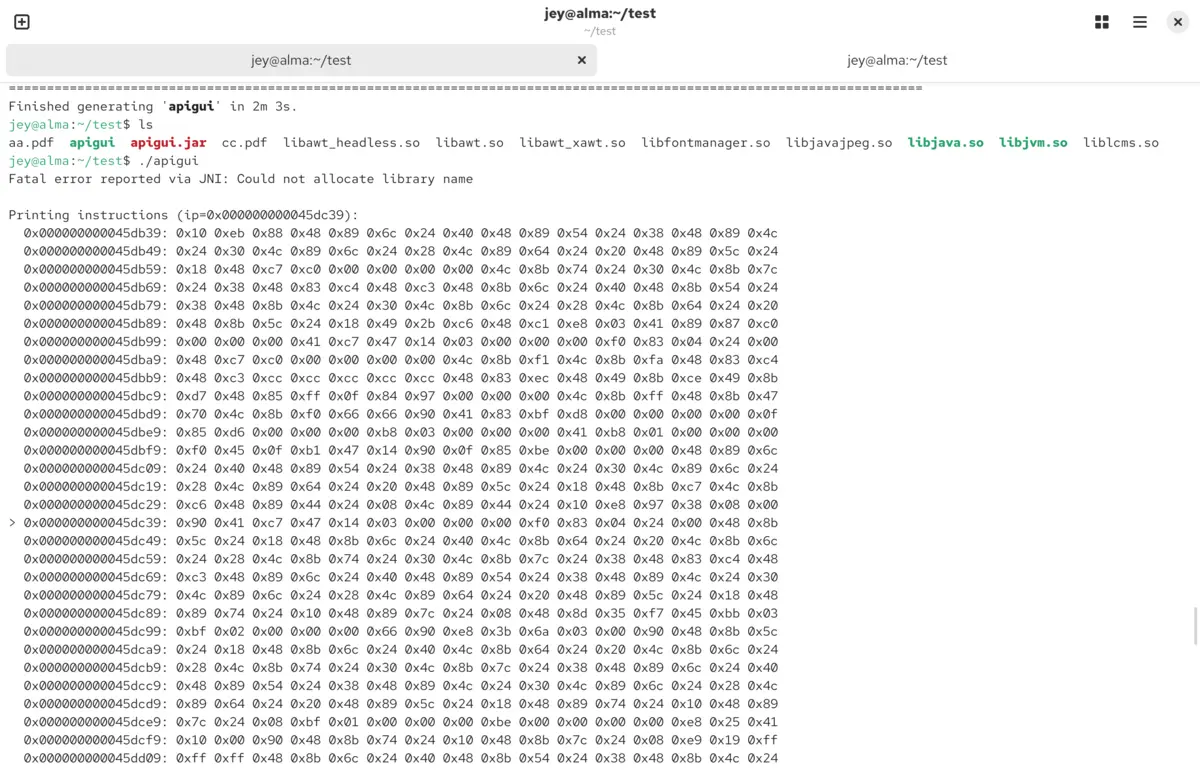
Practical Case Demonstration Diagram
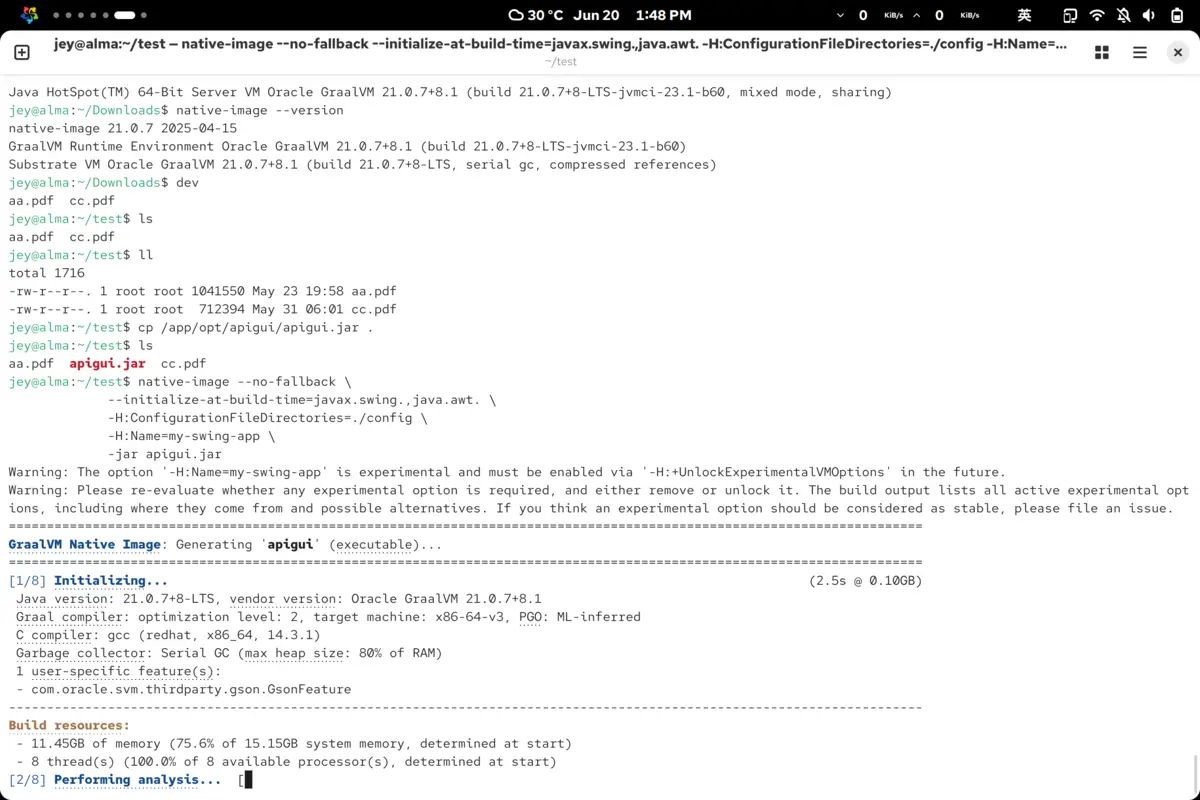
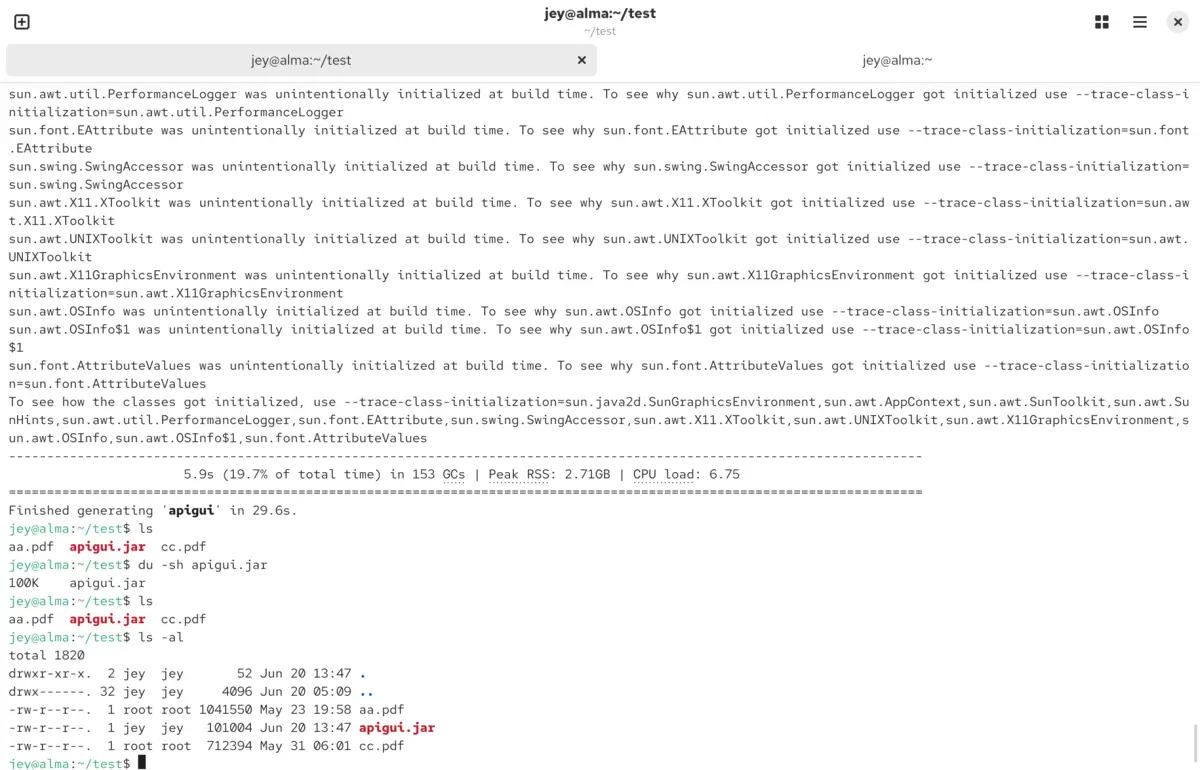
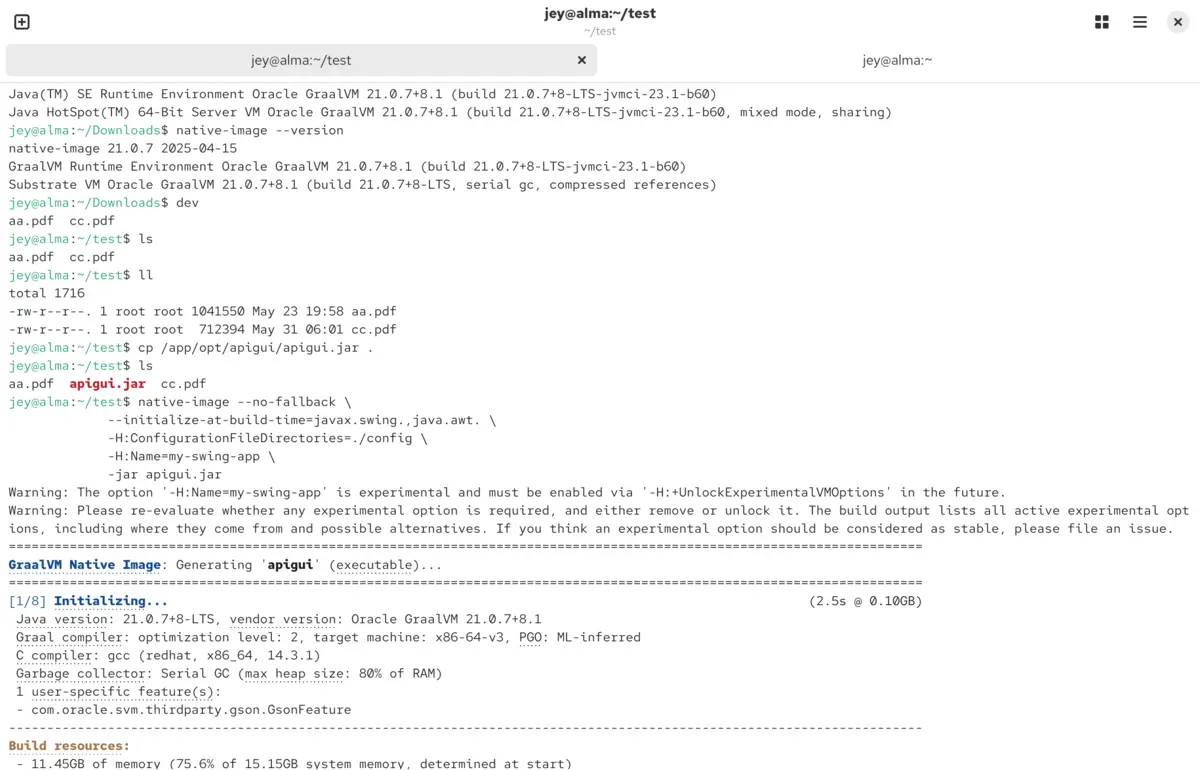
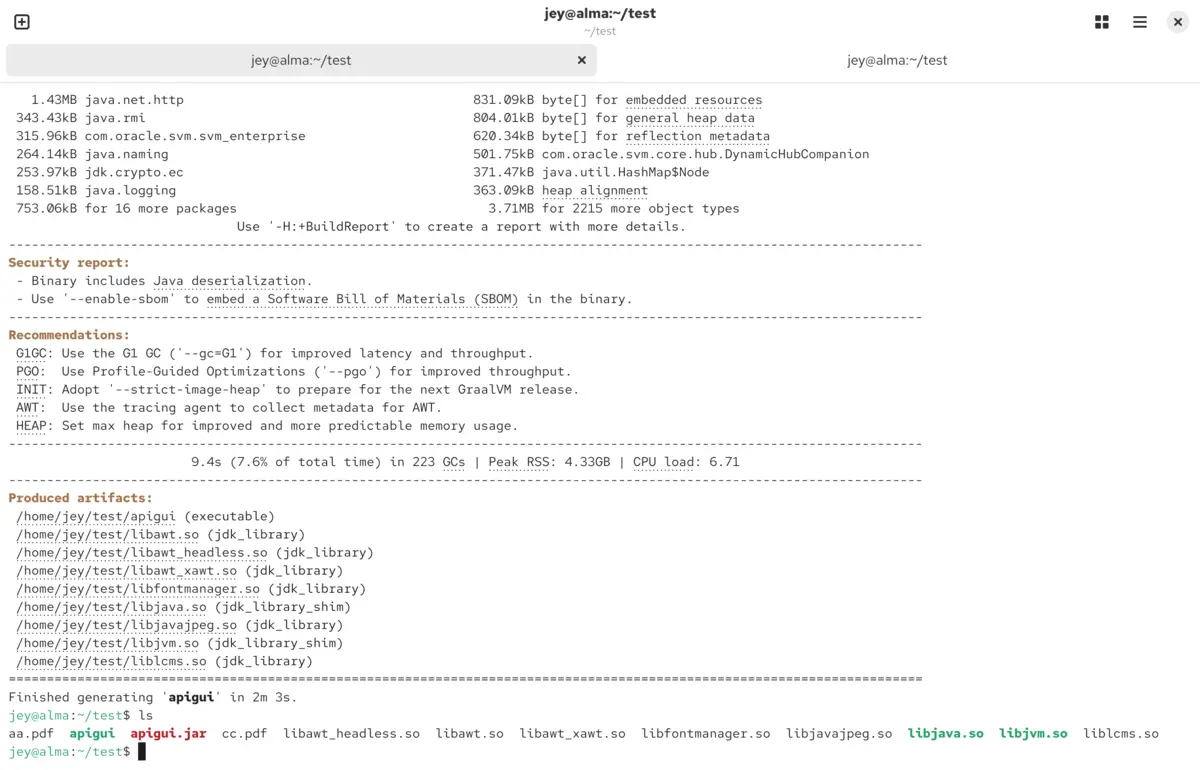
My Opinion
For desktop Swing applications, the benefits of GraalVM Native Image are often limited.
Startup time improves significantly, but build complexity increases. For many traditional Java desktop applications, a standard JDK remains the simpler and more maintainable choice.
For command-line tools and cloud-native services, GraalVM can provide substantial advantages.
Explore More
› How To Install Linux Properly: A Real-World Guide for Maximum Performance