How to Install MariaDB on AlmaLinux 10
Introduction
MariaDB is a popular open-source relational database management system that is fully compatible with MySQL in many scenarios. It is widely used for web applications, content management systems, and enterprise services.
This guide explains how to install MariaDB on AlmaLinux 10, start the service, secure the installation, create a database, and verify that everything is working correctly.
Prerequisites
Before installing MariaDB, ensure that:
- You are running AlmaLinux 10.
- You have sudo or root privileges.
- Your system packages are up to date.
Update System Packages
Update package metadata:
Install MariaDB
Install the MariaDB server and client packages:
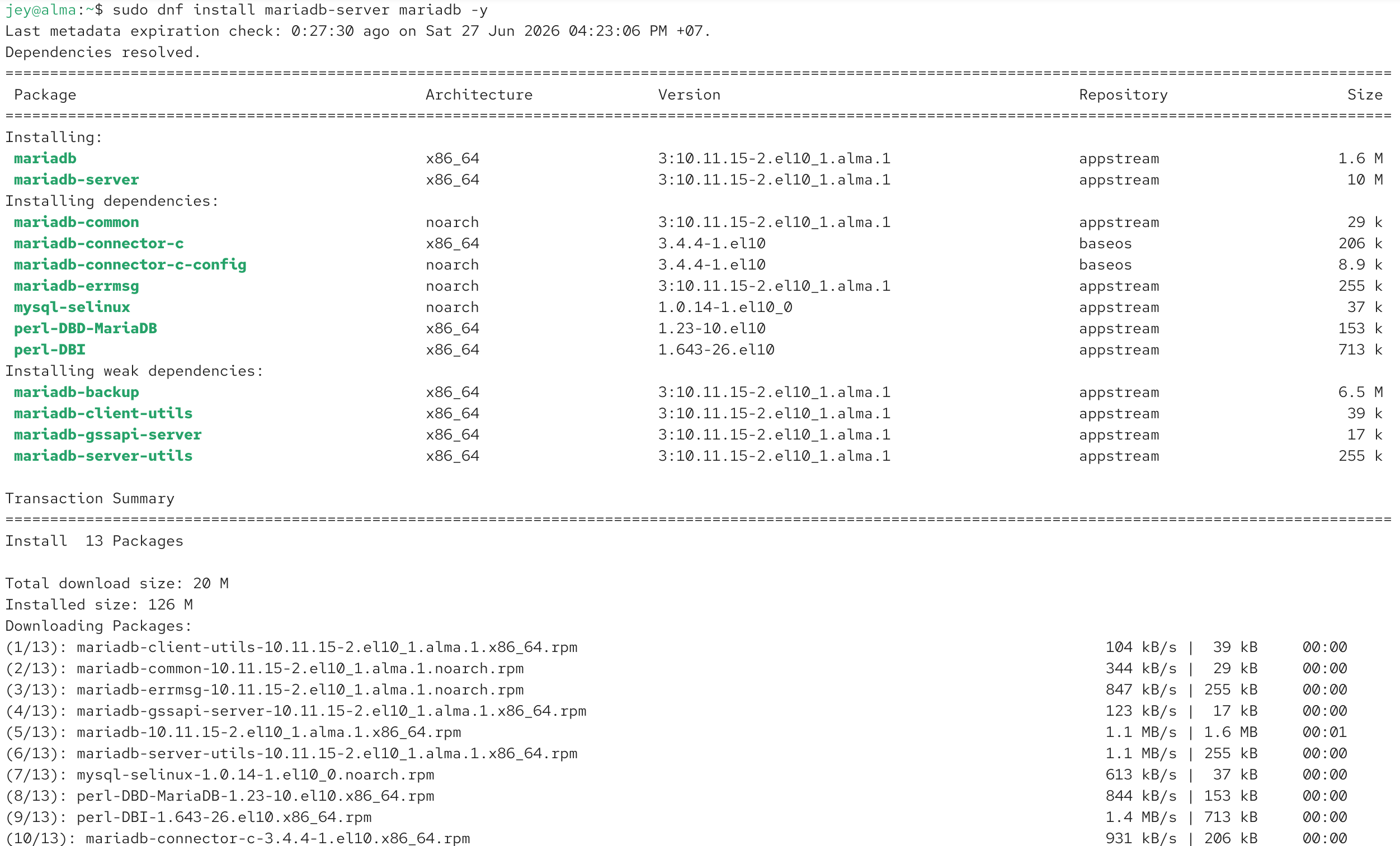
Verify the installation:
Start and Enable MariaDB
Enable MariaDB to start automatically at boot:
Start the MariaDB service:
Check the service status:
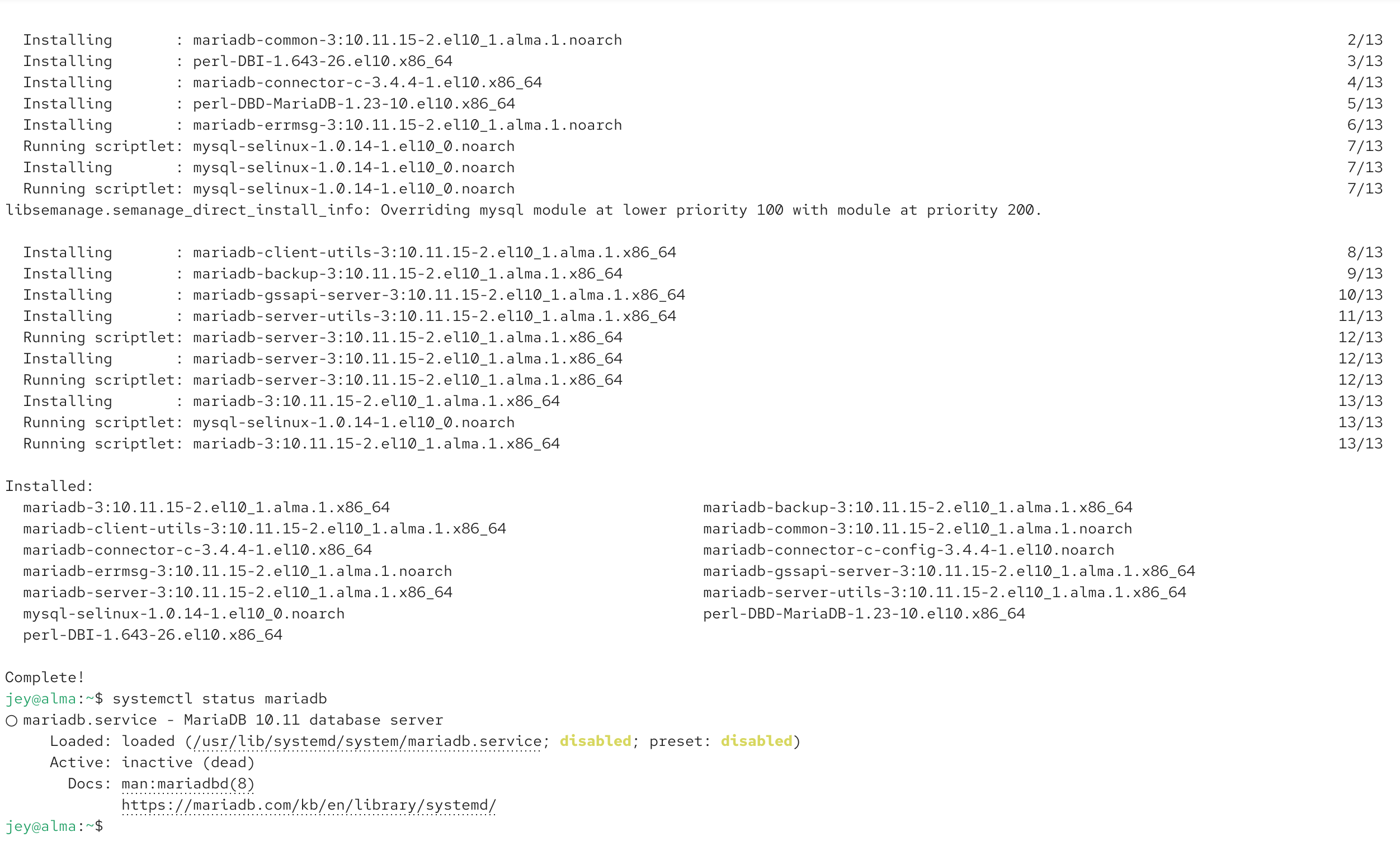
Verify the Installation
Display the installed version:
Or:
Secure the Installation
Run the security configuration wizard:
During the setup, you can:
- Set the root password.
- Remove anonymous users.
- Disallow remote root login.
- Remove the test database.
- Reload the privilege tables.
Log in to MariaDB
Log in as the root user:
Or:
Create a Test Database
Create a database:
Display all databases:
Create a Test User
Create a user:
Grant privileges:
Reload privileges:
Common MariaDB Commands
Show databases:
Select a database:
Show tables:
Exit MariaDB:
MariaDB Data Directory
The default database directory is typically:
Check the directory size:
Stop and Restart MariaDB
Stop the service:
Restart the service:
Uninstall MariaDB
Remove MariaDB packages:
Optionally remove the database files:
> Warning: This permanently deletes all databases.Conclusion
Installing MariaDB on AlmaLinux 10 is straightforward using the DNF package manager. After installation, secure the server, create databases and users, and verify the installation before deploying your applications.
Explore More
› MariaDB Explained: Essential Configuration Variables and Best Practices
› MariaDB max_connections Explained: Configuration, Limits, and Best Practices
› MariaDB innodb_buffer_pool_size Explained: Memory, Performance, and Best Practices
› MariaDB max_allowed_packet Explained: Configuration, Packet Size, and Best Practices