DevOps Handy Tools: Practical Linux Utilities
Introduction
Over the years working with Linux systems, I have created a collection of small tools and scripts that make daily administration tasks easier.
The design philosophy behind these tools is simple:
Keep commands small, fast, and easy to remember.Many Linux commands are extremely powerful, but sometimes they are not convenient for daily usage. Long command parameters, complicated syntax, and repeated operations can reduce efficiency.
Instead of memorizing complex commands every day, I prefer creating lightweight tools that solve specific problems with simple commands.
This project contains my personal Linux workflow utilities, including Shell scripts and small Go-based applications.
The goal is not to replace existing Linux tools, but to provide simpler and more practical solutions for everyday operations.
Project Repository
GitHub:
https://github.com/pixel-jey/devops-handy-tools
Installation
Clone the repository:
Run the installation script:
sudo ./install.sh
After installation, all commands can be used directly from the terminal.
Included Tools
cls
A simple terminal cleaning command.
Basic usage:
cls
For normal users, it works like a traditional screen cleaner.
When executed with root privileges:
sudo cls
it performs additional system cleanup and optimization operations.
The idea is simple:
One command for frequently used maintenance tasks.
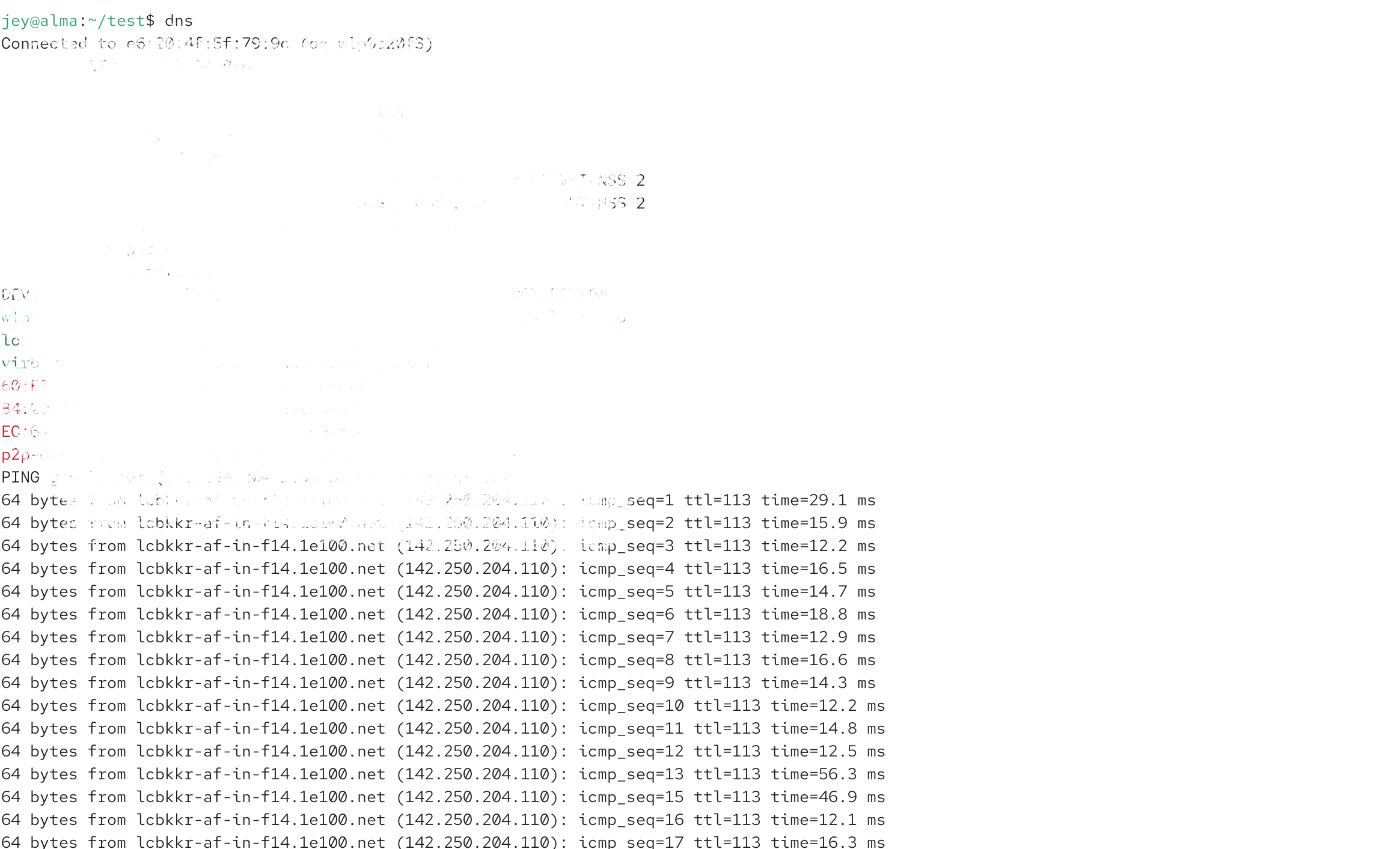
dns
A lightweight network diagnostic tool.
It helps quickly check:
Network signal strength
WiFi frequency
Upload speed
Download speed
Connection latency
Instead of running multiple networking commands, dns provides a quick overview of the current network status.
Useful for:
Linux desktop users
Servers with unstable connections
Daily network troubleshooting
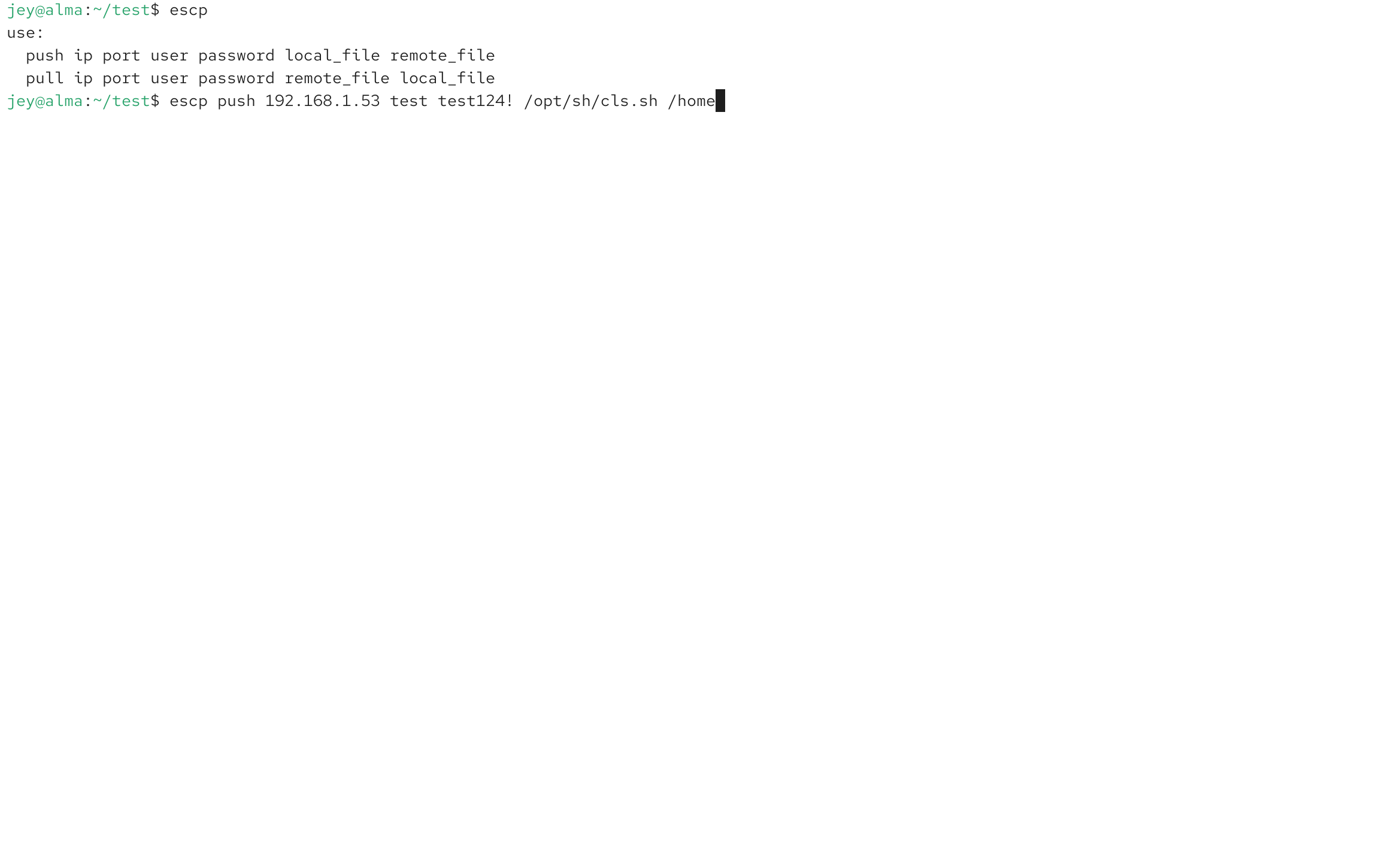
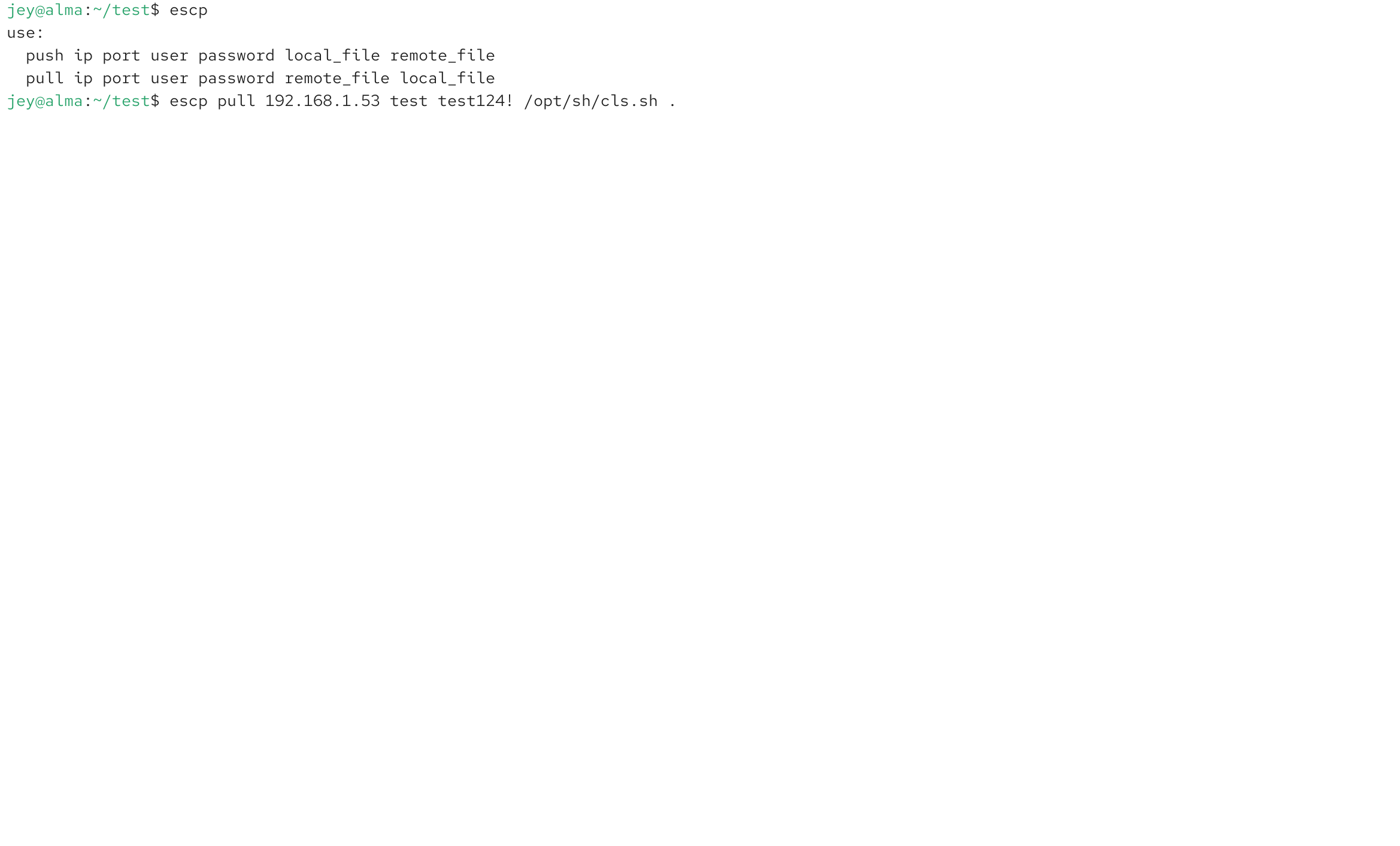
escp
A simplified file transfer utility.
It combines common push and pull operations into a single command.
Instead of remembering multiple commands for different transfer scenarios, escp provides a simpler workflow.
Typical use cases:
Sending files to another machine
Pulling remote files
Quick development environment synchronization
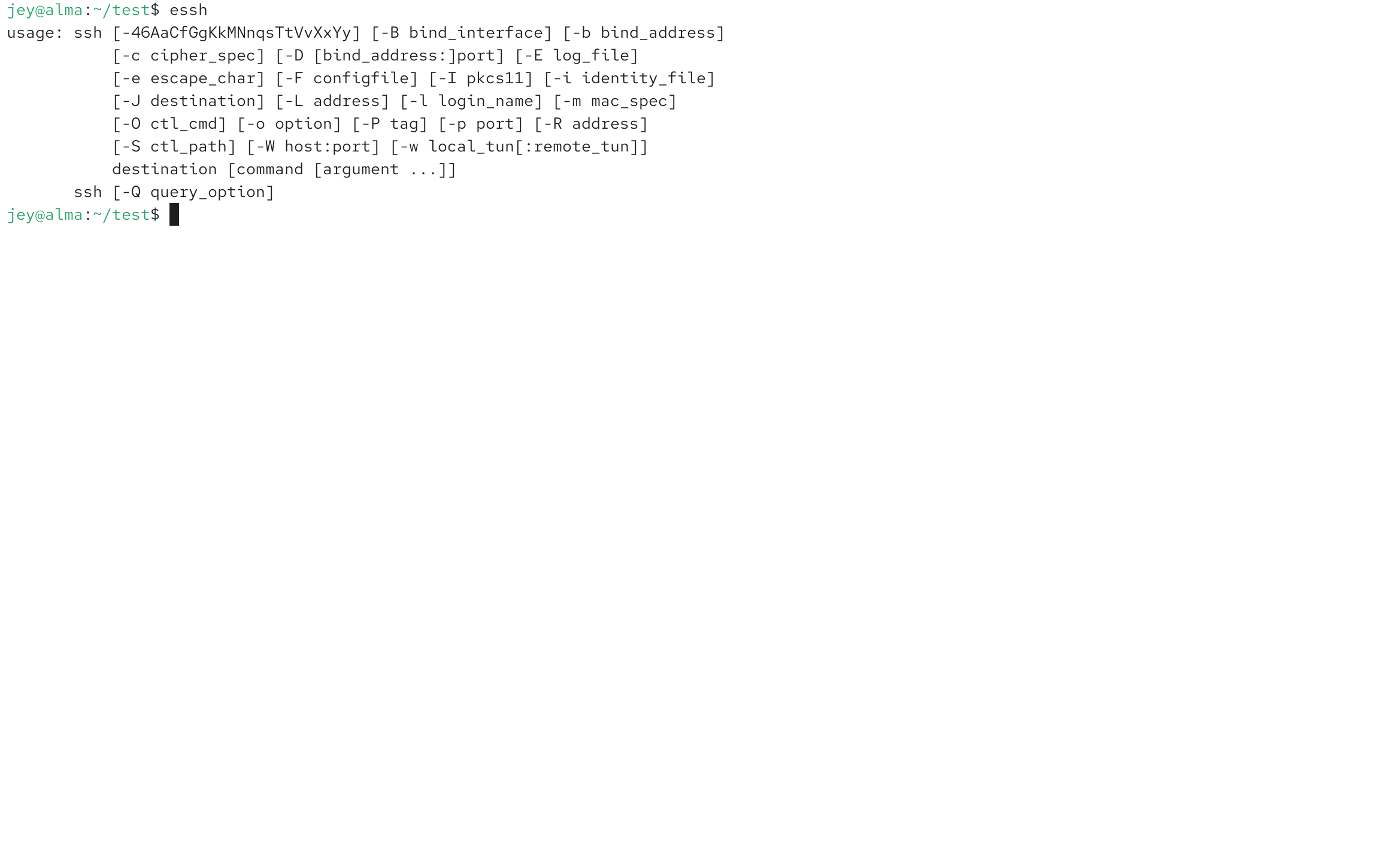
essh
An enhanced SSH helper.
SSH is one of the most important tools in Linux administration, but unstable networks can cause frequent connection problems.
essh improves daily SSH usage by providing a more convenient connection workflow and better compatibility with older systems.
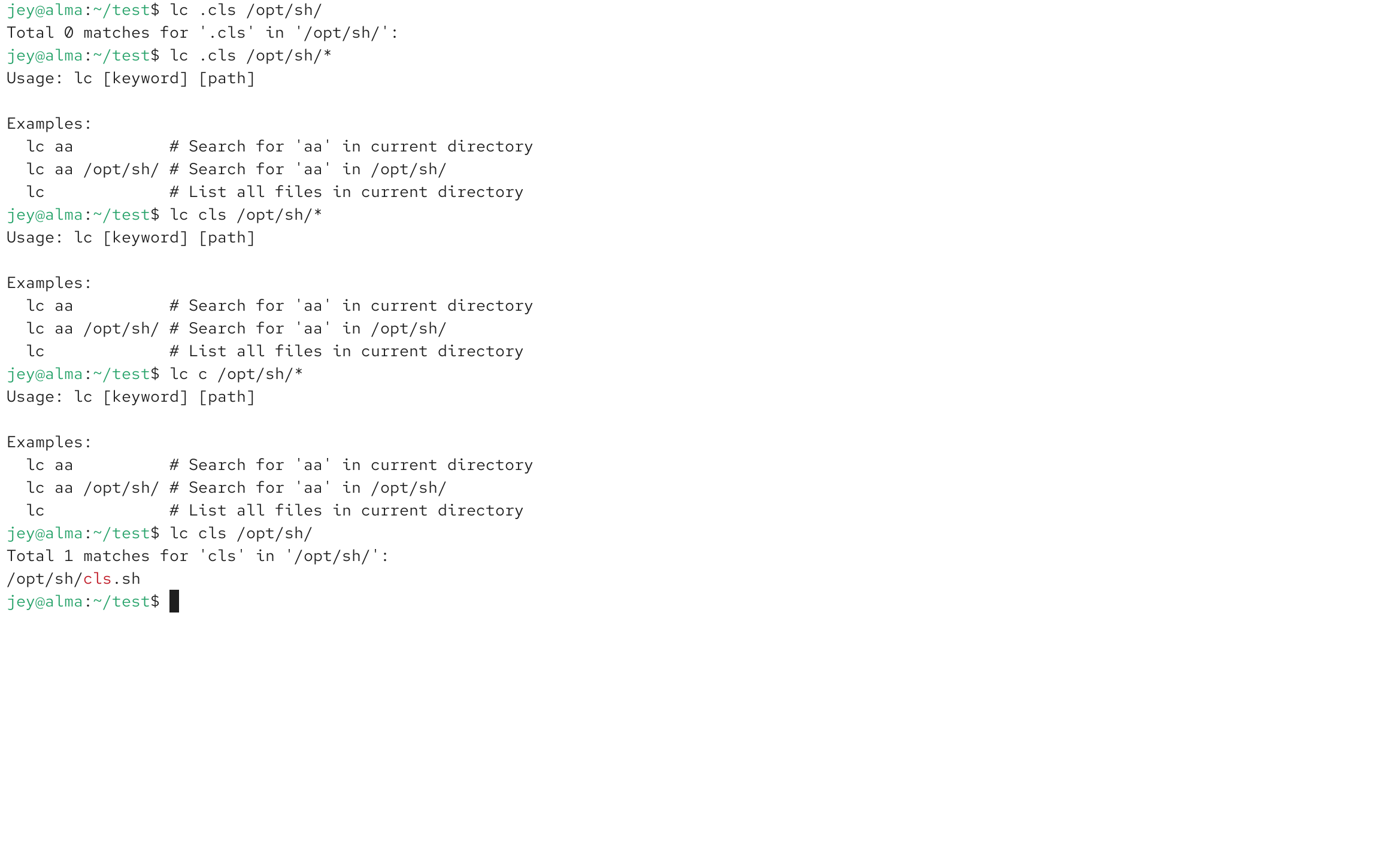
lc
A fast file searching utility written in Go.
Traditional find is powerful and flexible, but for daily usage many users only need simple file searching.
The standard workflow often requires remembering parameters:
find /path -name filename
lc provides a simpler approach.
Advantages:
Easier command syntax
Faster daily searching
Cleaner output
Written in Go
For developers and system administrators who search files frequently, this can save a lot of time.
mem
A memory monitoring utility.
It displays applications sorted by memory usage.
Useful for quickly identifying:
Memory-heavy processes
Background applications
Unexpected resource consumption
Instead of opening complex monitoring tools, a simple command can show the information needed.
nmc
A network maintenance command.
After configuring your network profile, nmc can automatically restart and refresh network connections.
It is useful for:
Maintaining stable WiFi connections
Recovering unstable network states
Periodic network refresh tasks
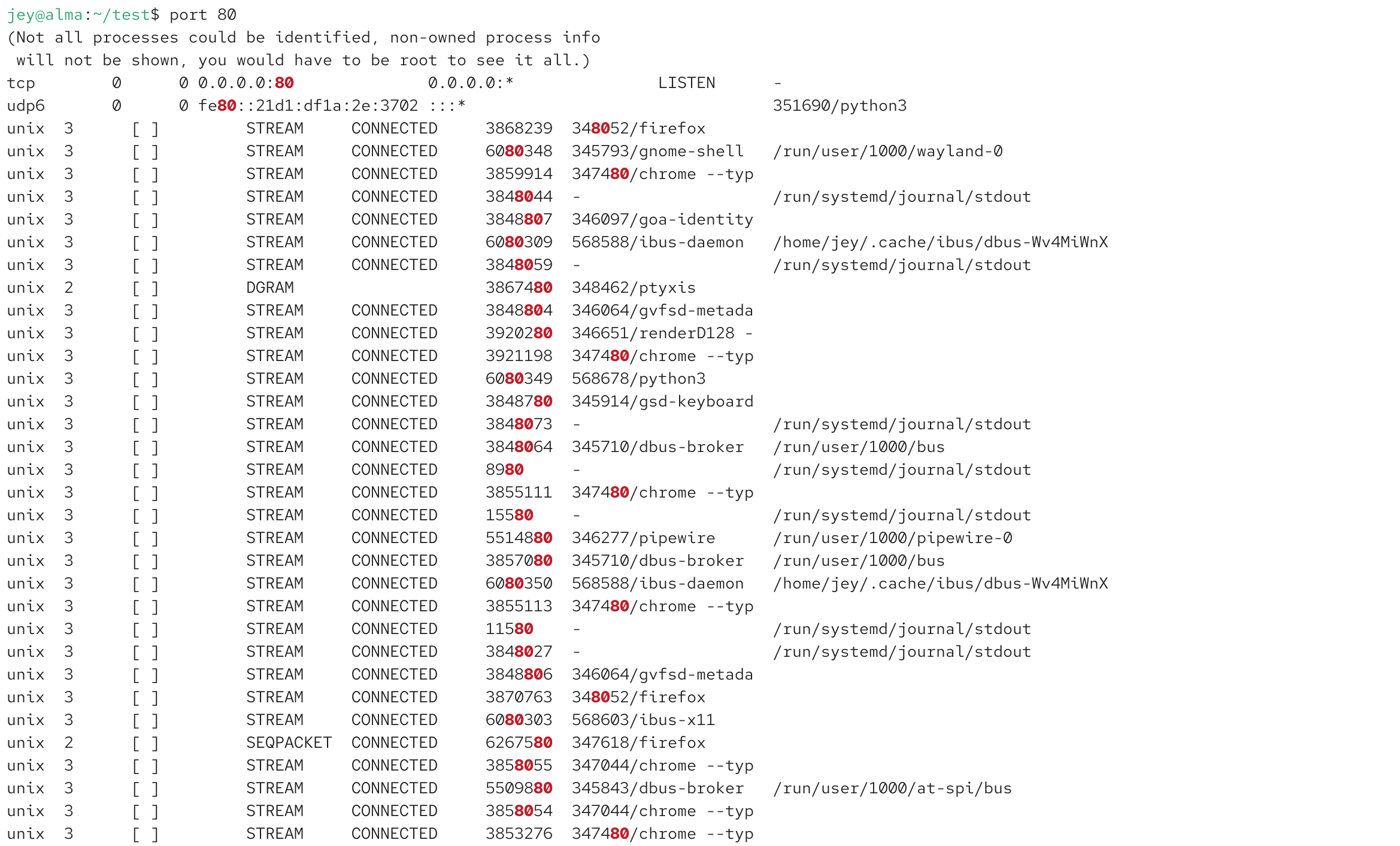
port
A simple network port checking tool.
Checking ports often requires remembering multiple Linux commands.
port provides a shorter workflow for quickly viewing network port information.
Simple commands are easier to remember and faster to use.
replace-text
A lightweight text replacement utility.
It is designed for quick configuration changes.
Common usage:
Updating configuration files
Replacing text values
Editing system settings
For daily Linux administration, small tools can often be more efficient than complicated editors.
wireshark-serv
A helper utility for Wireshark setup and management.
Wireshark is one of the most important network analysis tools in Linux.
It is commonly used for:
Network packet analysis
Security research
Android debugging
Protocol inspection
This script simplifies common Wireshark configuration steps.
Install Wireshark using your Linux distribution package manager.
For example:
sudo dnf install wireshark
or:
sudo apt install wireshark
Avoid unnecessary third-party package formats when possible. Native packages usually provide better system integration.
Screenshots

Why I Build These Tools
Linux already provides many powerful commands.
However, professional users often create their own tools because daily workflows are different.
A good tool does not need hundreds of features.
For system administration, the most valuable properties are:
Fast execution
Simple commands
Low resource usage
Easy maintenance
Reliable behavior
Small utilities can significantly improve productivity.
Linux Tool Design Philosophy
The Linux ecosystem has always followed a simple philosophy:
Do one thing and do it well.
These tools follow the same idea.
Instead of creating a large application with complicated functions, each command focuses on one specific task.
This makes them:
Easier to understand
Easier to debug
Easier to maintain
Easier to automate
Conclusion
DevOps Handy Tools is a personal collection of Linux utilities created from real daily usage.
They are not designed to replace standard Linux commands.
Instead, they provide simpler workflows for common tasks.
For developers, system administrators, and Linux enthusiasts, small tools can make everyday work much more efficient.
Simple, practical, and reliable.
That is the purpose of this project.
Explore More
› How to Optimize IBus Chinese Input on Linux: A Practical Configuration Guide
› Firefox vs Chrome on Linux: Why Firefox Remains the Default Choice