How To Install Linux Properly: A Real-World Guide for Maximum Performance
Installing Linux is easy.
Installing Linux correctly and unlocking its full potential is a completely different story.
Many users install Linux through VMware, Oracle VirtualBox, or Microsoft Hyper-V because it is convenient. This method works, but it is not the same experience as running Linux directly on hardware.
A virtual machine is still running on top of another operating system. The CPU scheduler, memory management, graphics acceleration, storage performance, and network stack all pass through an additional layer.
For learning Linux commands, development testing, or temporary environments, virtual machines are excellent.
However, if you want to experience Linux as a real workstation system, a bare-metal installation is still the best choice.
Why Most Linux Users Never Experience Real Linux Performance
Linux is not only a terminal.
Many beginners only use:
- SSH
- command line tools
- package managers
- server commands
But modern Linux desktop systems are much more powerful.
A complete Linux workstation includes:
- GNOME or KDE desktop environments
- Flatpak application ecosystem
- GPU acceleration
- advanced networking tools
- virtualization
- container development
- system automation
- powerful backup and migration methods
A properly configured Linux desktop can become a complete development workstation.
You can use it for:
- backend development
- database administration
- software compilation
- video processing
- virtualization
- server management
- daily productivity
The biggest difference is that Linux gives users direct control over hardware resources.
Virtual Machine vs Bare Metal Linux Installation
Using Linux Inside Windows
Running Linux inside Windows through VMware or VirtualBox is convenient.
However, there are several limitations:
CPU Performance
The Linux system does not directly control the CPU.
The Windows host decides:
- CPU scheduling
- power management
- background workload priority
Memory Management
The Linux guest system only receives allocated memory.
For example:
A computer with 32GB RAM:
The Linux system can only use the resources assigned to it.
The remaining resources are still controlled by Windows.
GPU Acceleration
Graphics performance is another limitation.
Linux desktop environments such as GNOME rely heavily on GPU acceleration.
Inside a traditional virtual machine:
- GPU access is limited
- hardware acceleration may be incomplete
- desktop effects may not perform correctly
Storage Performance
Virtual disks add another abstraction layer.
Real hardware:
Virtual machine:
Every additional layer introduces overhead.
The Recommended Linux Installation Method
For a serious Linux workstation, I recommend installing Linux directly on a dedicated SSD.
My preferred setup:
- Buy an additional NVMe SSD
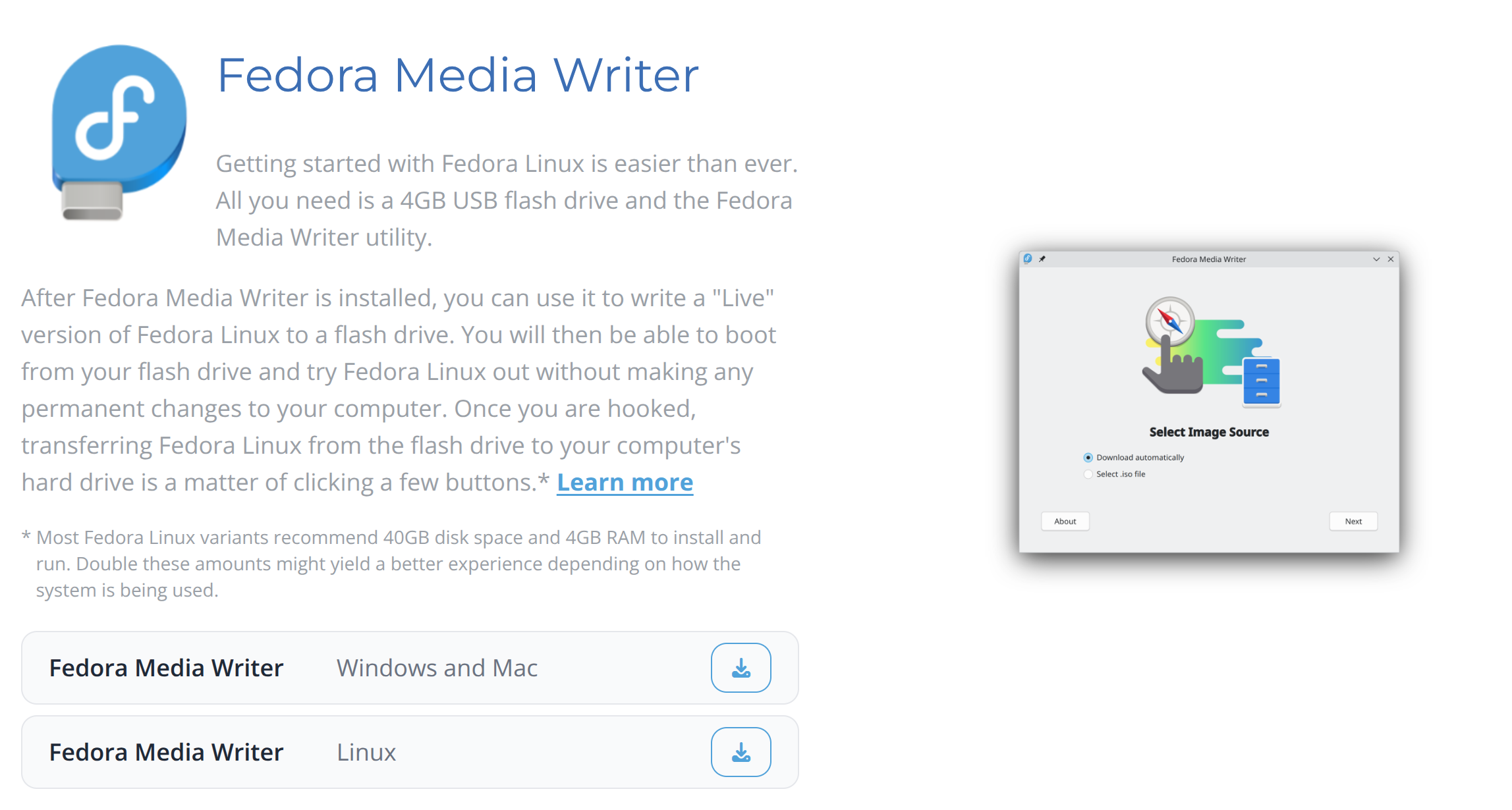
- Create a bootable Linux USB drive
- Install Linux directly onto the SSD
This gives Linux full access to:
- CPU resources
- memory
- GPU
- NVMe performance
- network hardware
The result is a completely different experience.
The system becomes faster, cleaner, and more stable.
A Better Virtualization Solution: KVM/QEMU
Virtual machines are not bad.
The problem is not virtualization itself.
The problem is using virtualization layers that are not designed for Linux.
Linux provides its own professional virtualization stack:
This combination is widely used in professional Linux environments.
Why KVM/QEMU Is Different
Compared with traditional desktop virtualization solutions, KVM provides:
- better Linux integration
- lower overhead
- stronger hardware access
- better server support
- easier migration
The default virtual disk format:
qcow2
provides many advantages:
- dynamic disk expansion
- snapshots
- easier backup
- migration between systems
Example:
A virtual machine can be moved:
without reinstalling everything.
For developers, KVM is usually the better choice when Linux itself is the main operating system.
My Recommended Linux Workflow
A practical professional setup:
Example:
Main system:
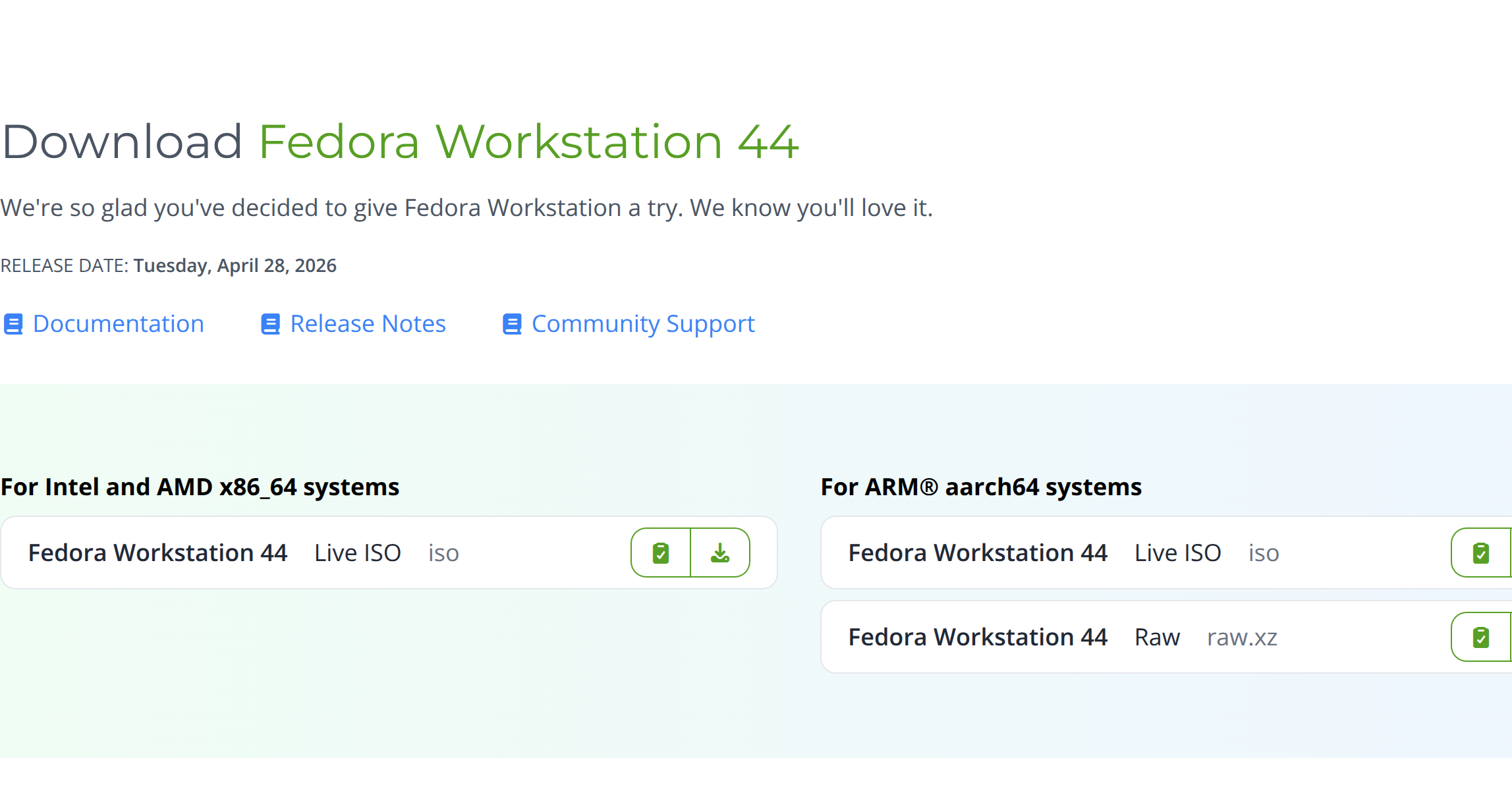
Fedora Workstation
Virtual machines:
AlmaLinux Server
Ubuntu Development Environment
Testing Systems
Database Servers
This provides both performance and flexibility.
Linux Migration and Backup Advantages
One of Linux's biggest advantages is system flexibility.
With proper backups, migration is much easier.
For example:
- Install a new SSD
- Boot from a Linux USB installer
- Restore your data
- Update disk UUID information
- Modify `/etc/fstab`
- Continue working
Your previous environment can be restored quickly.
Your:
- home directory
- development files
- configuration files
- scripts
can remain almost unchanged.
Continue in Part 2:- Why you should not simply clone a Linux installation forever
- Correct backup strategy
- Choosing Linux hardware
- Why Fedora is my preferred workstation system
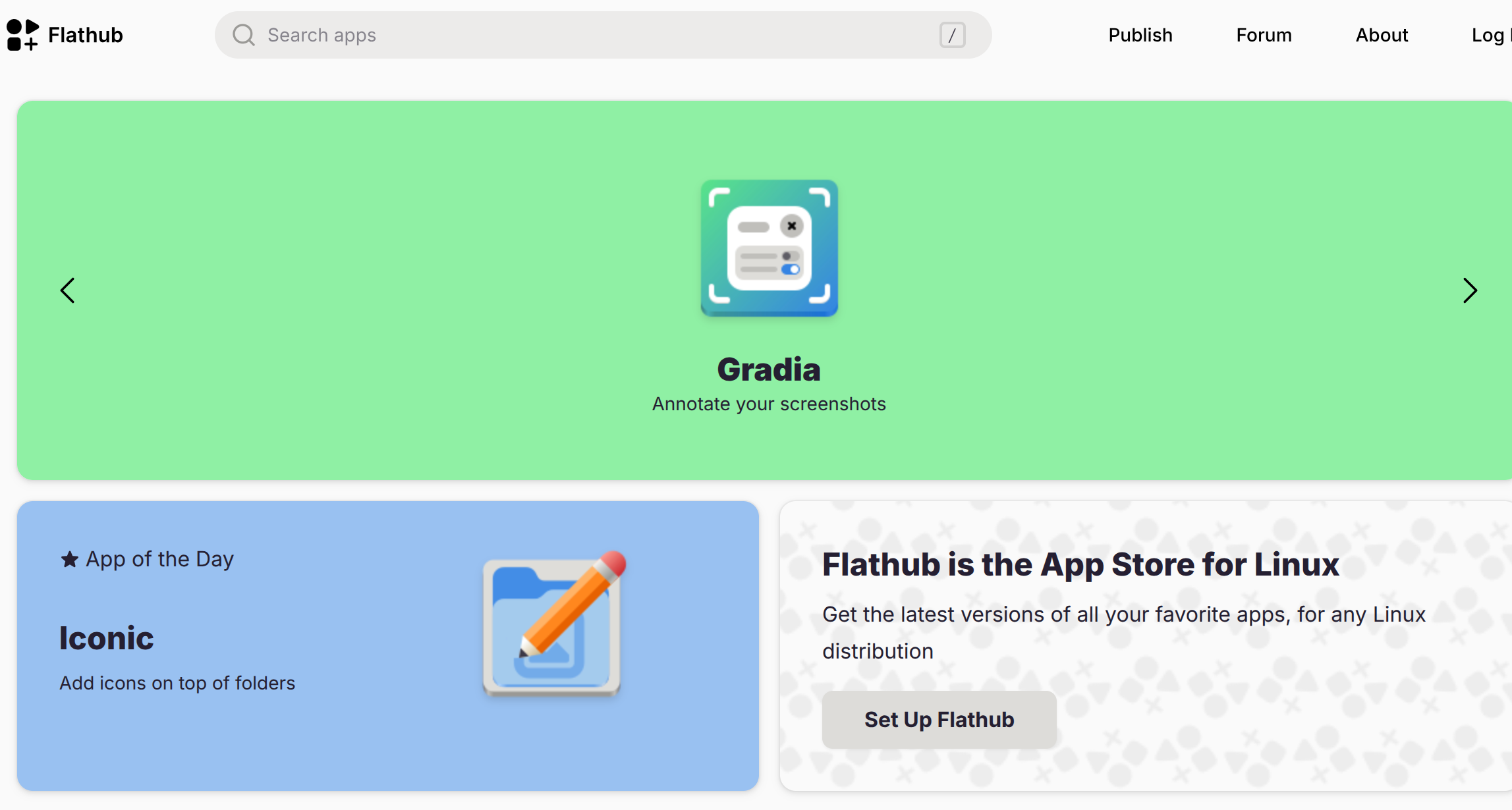
- GNOME, Flatpak, Flathub ecosystem
- Linux desktop optimization
This provides both performance and flexibility.
Linux Migration and Backup Advantages
One of Linux's biggest advantages is system flexibility.
With proper backups, migration is much easier.
For example:
- Install a new SSD
- Boot from a Linux USB installer
- Restore your data
- Update disk UUID information
- Modify `/etc/fstab`
- Continue working
Your previous environment can be restored quickly.
Your:
- home directory
- development files
- configuration files
- scripts
can remain almost unchanged.
Continue in Part 2:- Why you should not simply clone a Linux installation forever
- Correct backup strategy
- Choosing Linux hardware
- Why Fedora is my preferred workstation system
- GNOME, Flatpak, Flathub ecosystem
- Linux desktop optimization
Never rely on a single hard drive.
Home Directory
Your personal environment usually lives here:
/home/username
Important files include:
Documents
Projects
.config
.ssh
.bashrc
.local
Example backup:
System Configuration
Important configuration files:
/etc
Examples:
/etc/fstab
/etc/ssh
/etc/nginx
/etc/systemd
These files define how your Linux system works.
Hard Drive Quality Matters
Many Linux problems are actually hardware problems.
Cheap or unreliable SSDs can cause:
random freezes
filesystem corruption
slow response
unexpected crashes
For Linux workstations, avoid unknown refurbished drives.
A good SSD should have:
stable controller
reliable NAND memory
good thermal performance
consistent read/write speed
A fast and stable storage device is more important than many people realize.
Recommended Hardware for Linux Desktop
A Linux desktop is much more capable than a simple command-line server.
However, hardware should be reasonable.
Recommended minimum:
With enough resources, Linux becomes a powerful workstation.
You can run:
development tools
virtual machines
containers
databases
compiling environments
Choose a Workstation Linux Distribution
For desktop usage, I recommend choosing a workstation edition.
Examples:
Fedora Workstation
Ubuntu Desktop
openSUSE Tumbleweed
My personal preference is:
Fedora Workstation
Fedora has several advantages:
modern Linux kernel
latest GNOME desktop
strong Red Hat ecosystem
excellent developer support
clean system design
Fedora is often where new Linux technologies appear first before entering enterprise systems.
Why I Prefer Fedora for Development
Fedora provides a professional Linux environment:
It works very well for:
Java development
Python development
Go development
C/C++ compilation
container workflows
For developers who want a modern Linux desktop, Fedora is an excellent choice.
Linux Desktop Is Not What Many People Imagine
Many people still think Linux means:
Black terminal window
That is outdated.
Modern Linux desktops provide:
beautiful graphical interfaces
hardware acceleration
mobile integration
application stores
professional creative tools
GNOME and KDE are mature desktop environments.
GNOME + Mobile Integration
One feature I really like:
Linux can communicate with Android phones.
For example:
GSConnect
It provides:
file transfer
clipboard sharing
notification synchronization
remote control
A Linux desktop can work together with your smartphone naturally.
Flatpak and Flathub: The Modern Linux Software Ecosystem
Traditional Linux software installation can sometimes be complicated.
Different distributions have different package formats:
RPM
DEB
APK
Flatpak solves many of these problems.
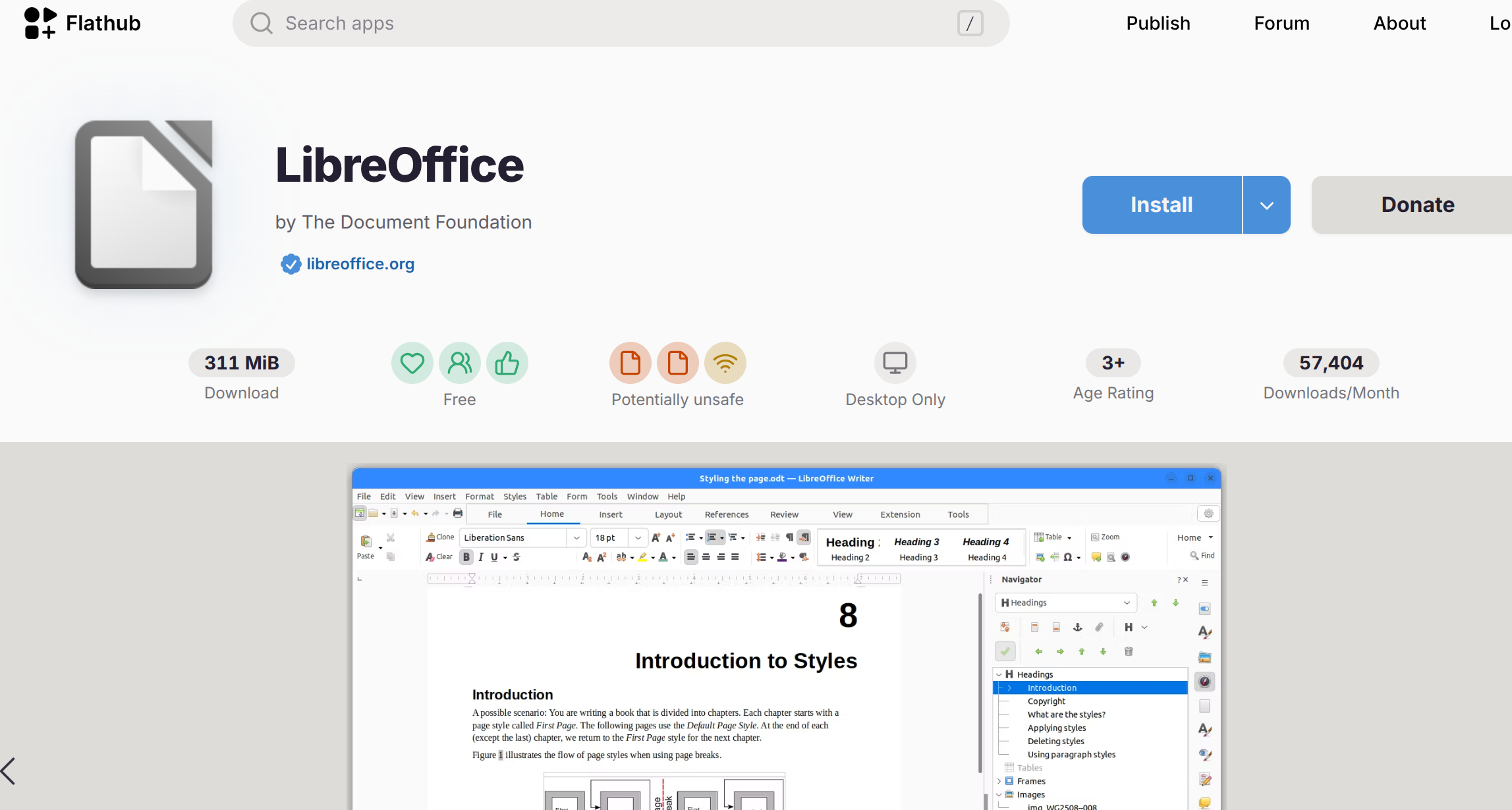
With Flathub, users can install applications independently from the Linux distribution.
Examples:
GIMP
LibreOffice
Visual Studio Code
OBS Studio
multimedia tools
Advantages:
isolated applications
easier updates
better compatibility
Linux Software Philosophy
One thing I appreciate about Linux software:
Good software focuses on solving problems.
It does not need unnecessary features, advertisements, or background services.
A clean application usually has:
simple design
focused purpose
low resource usage
Large software does not always mean better software.
Sometimes a smaller, focused tool provides a better experience.
Continue in Part 3:
Linux creative applications
GIMP vs traditional image editors
FFmpeg automation
Video processing workflow
Why lightweight software matters
Final thoughts on Linux development
Linux Creative Tools and Professional Workflow
Many people think Linux is only suitable for programmers and servers.
This is no longer true.
Modern Linux provides a complete creative workflow.
You can use Linux for:
- image editing
- video processing
- screen recording
- audio production
- automation
- content creation
The advantage is flexibility.
Linux allows users to combine powerful command-line tools with graphical applications.
GIMP: A Powerful Image Editor on Linux
Many users call GIMP:
> "The Photoshop of Linux"
Although Photoshop and GIMP have different design philosophies, GIMP is a very capable professional image editor.
It provides:
- layer editing
- image processing
- plugins
- scripting support
- batch operations
One advantage of Linux software is efficiency.
Many applications focus on providing useful functions without unnecessary complexity.
A clean tool with a smaller footprint can often provide a better user experience.
FFmpeg: The Hidden Power of Linux Multimedia
One of the most powerful Linux multimedia tools is:
ffmpeg
FFmpeg can handle:
video conversion
audio extraction
video compression
format conversion
streaming
automation
For example:
ffmpeg -i input.mp4 output.webm
With scripting, you can build your own:
video processing system
automatic converter
media management workflow
This is where Linux becomes extremely powerful.
Instead of depending on a large commercial application, you can combine:
Linux Script
+
FFmpeg
+
Automation
to create a customized solution.
Why Lightweight Software Matters
A common trend in modern software development is unnecessary complexity.
Some applications become extremely large because they include:
unnecessary frameworks
bundled services
background processes
duplicated components
A simple application should remain simple.
Good software should focus on:
performance
stability
security
user needs
Linux ecosystems traditionally value this philosophy.
A Linux Developer's Perspective
After using Linux for many years, one thing becomes obvious:
Many business systems are not mysterious.
Most large-scale systems are built around basic principles:
CPU scheduling
memory management
caching
networking
database optimization
resource allocation
The difference between a small system and a large production system is not magic.
It is engineering experience.
Understanding Linux Helps You Build Better Systems
When you understand Linux deeply, you start understanding:
Performance
How CPU, memory, and storage interact.
Networking
How requests travel through different layers.
Databases
How data consistency and performance are maintained.
Infrastructure
How servers stay stable under heavy workloads.
These skills directly improve software architecture.
Real Experience Creates Real Knowledge
Reading documentation is important.
But real understanding comes from:
installing systems
solving failures
debugging problems
rebuilding environments
optimizing performance
Every failure teaches something.
A server crash, database problem, or configuration mistake often reveals the weaknesses of the original design.
That experience becomes valuable knowledge.
My Recommended Linux Setup
For a modern development workstation:
This provides:
native performance
clean environment
powerful virtualization
easy migration
professional workflow
Final Thoughts
Linux is not just an operating system.
It is an environment where users can understand and control their computers.
The biggest advantage of Linux is freedom:
freedom to customize
freedom to automate
freedom to optimize
freedom to understand the system
A properly installed Linux workstation can become a powerful tool for developers, engineers, and advanced users.
The more you learn about Linux, the more you realize:
The operating system is not the limitation.
The limitation is usually how deeply we understand it.
Explore More
› GraalVM Native Image: Advantages, Disadvantages and Real-World Experience
› How to Optimize IBus Chinese Input on Linux: A Practical Configuration Guide
› Redis maxclients Explained: Configuring Maximum Client Connections
› How to Travel from Bangkok to Penang by Train (2026 Border Crossing & DTV Guide)
› Internet in Thailand 2026: A Complete Guide for Expats, Digital Nomads, and Travelers
› Banking in Thailand 2026: A Complete Guide for Expats and Foreigners
› Cost of Living in Bangkok 2026: A Complete Guide for Expats and Digital Nomads