How to Install PostgreSQL on AlmaLinux 10
Introduction
PostgreSQL is a powerful open-source relational database management system known for its reliability, advanced features, and SQL standards compliance. It is widely used for web applications, enterprise systems, and data analytics.
This guide explains how to install PostgreSQL on AlmaLinux 10, initialize the database cluster, start the service, and verify that the installation is working correctly.
Prerequisites
Before installing PostgreSQL, ensure that:
- You are running AlmaLinux 10.
- You have sudo or root privileges.
- Your system packages are up to date.
Update System Packages
Update package metadata:
Install PostgreSQL
Install PostgreSQL server and client packages:
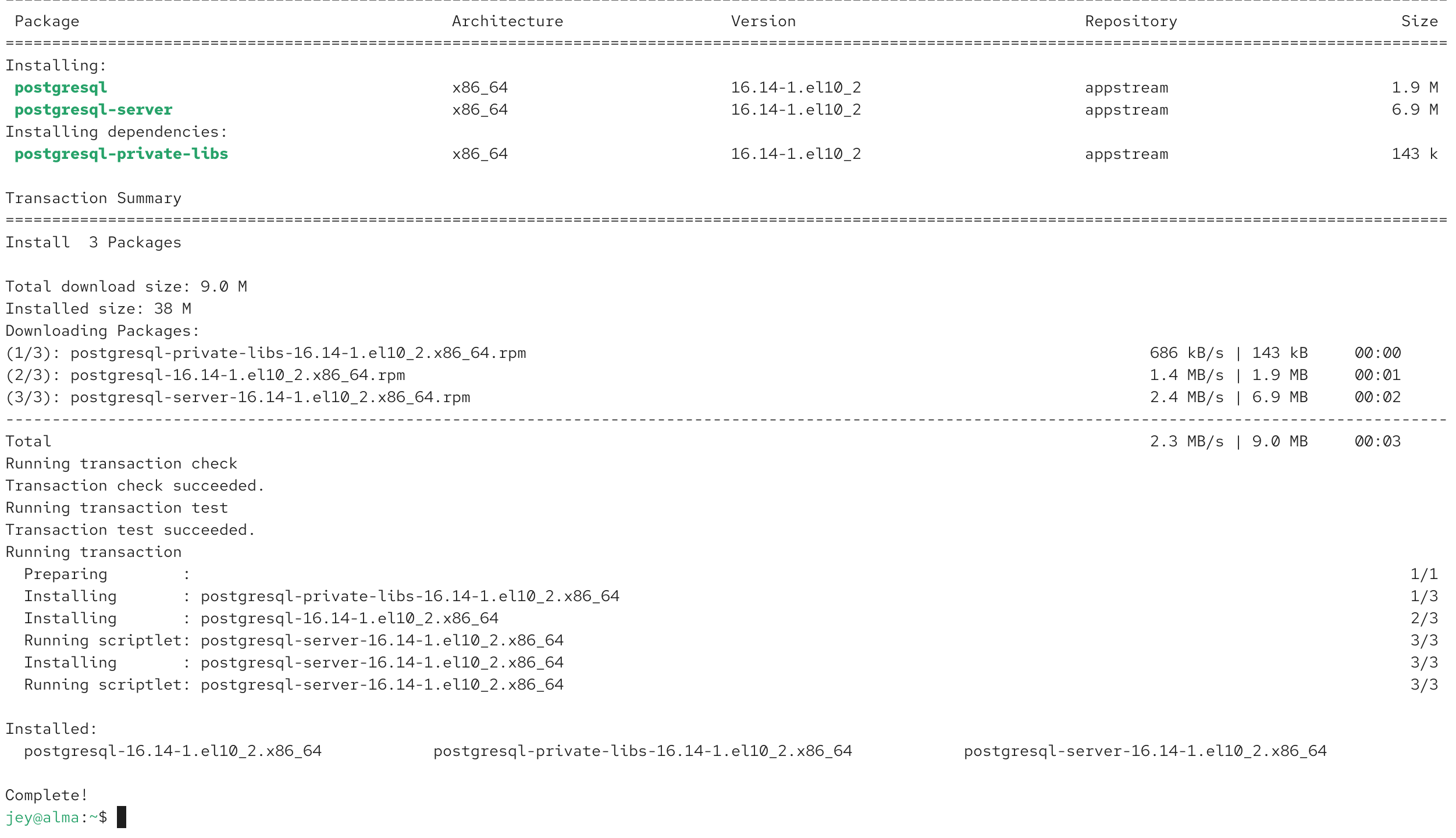
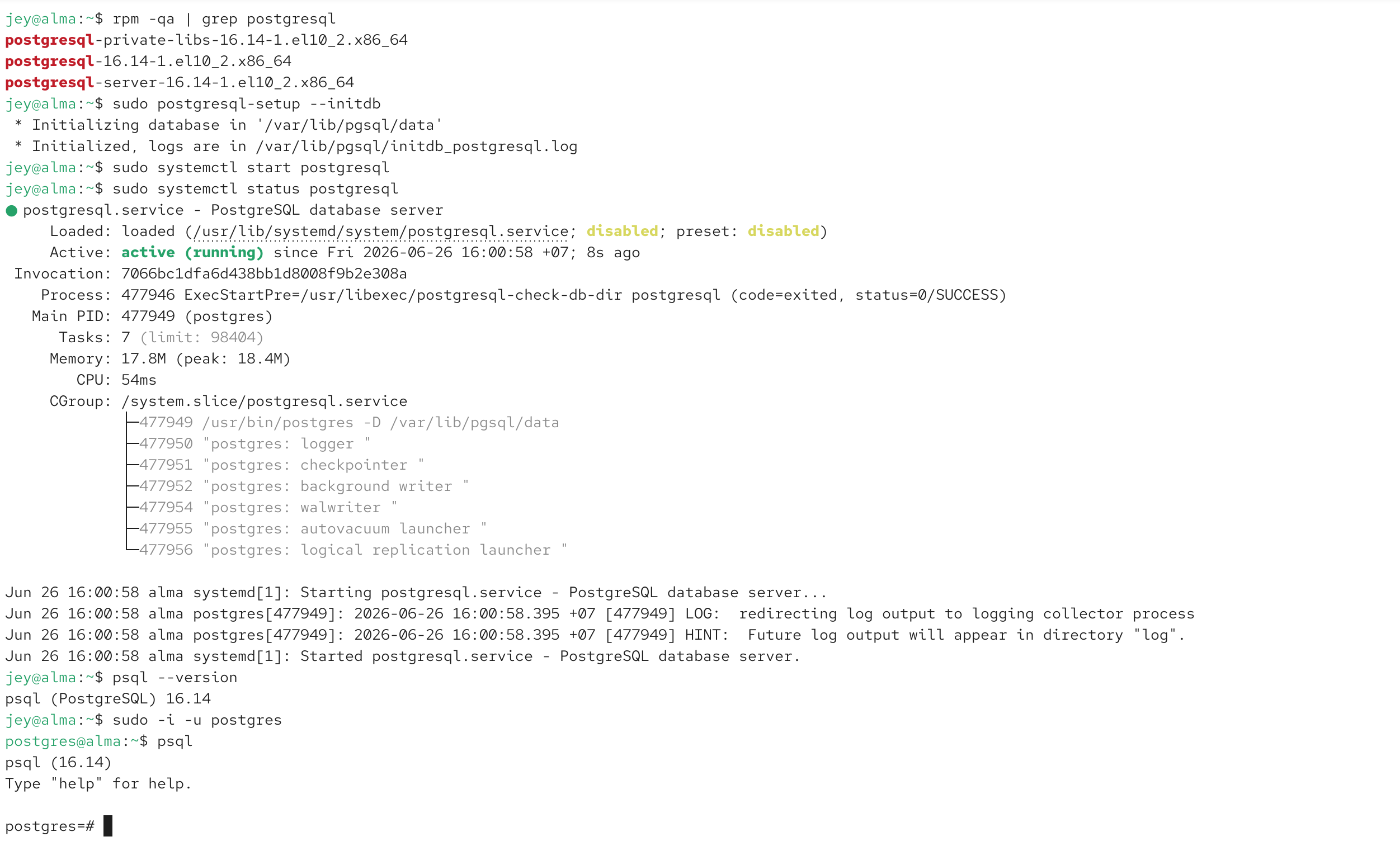
Verify the installed packages:
Initialize the Database
Initialize the PostgreSQL database cluster:
If your AlmaLinux version uses a versioned package, you can first check the installed service or setup script. (Use the command appropriate for your installed version.)
Start and Enable PostgreSQL
Enable PostgreSQL at boot:
Start the service:
Check the service status:
The service should display active (running).Verify the Installation
Check the PostgreSQL client version:
Switch to the PostgreSQL system user:
Open the PostgreSQL shell:
Exit the shell:
Create a Test Database
Create a database:
Display all databases:
Create a Test User
Create a user:
Grant privileges:
PostgreSQL Data Directory
The default database files are usually stored under:
To determine the actual data directory:
Common PostgreSQL Commands
List databases:
Connect to a database:
List tables:
Display users:
Stop and Restart PostgreSQL
Stop the service:
Restart the service:
Uninstall PostgreSQL
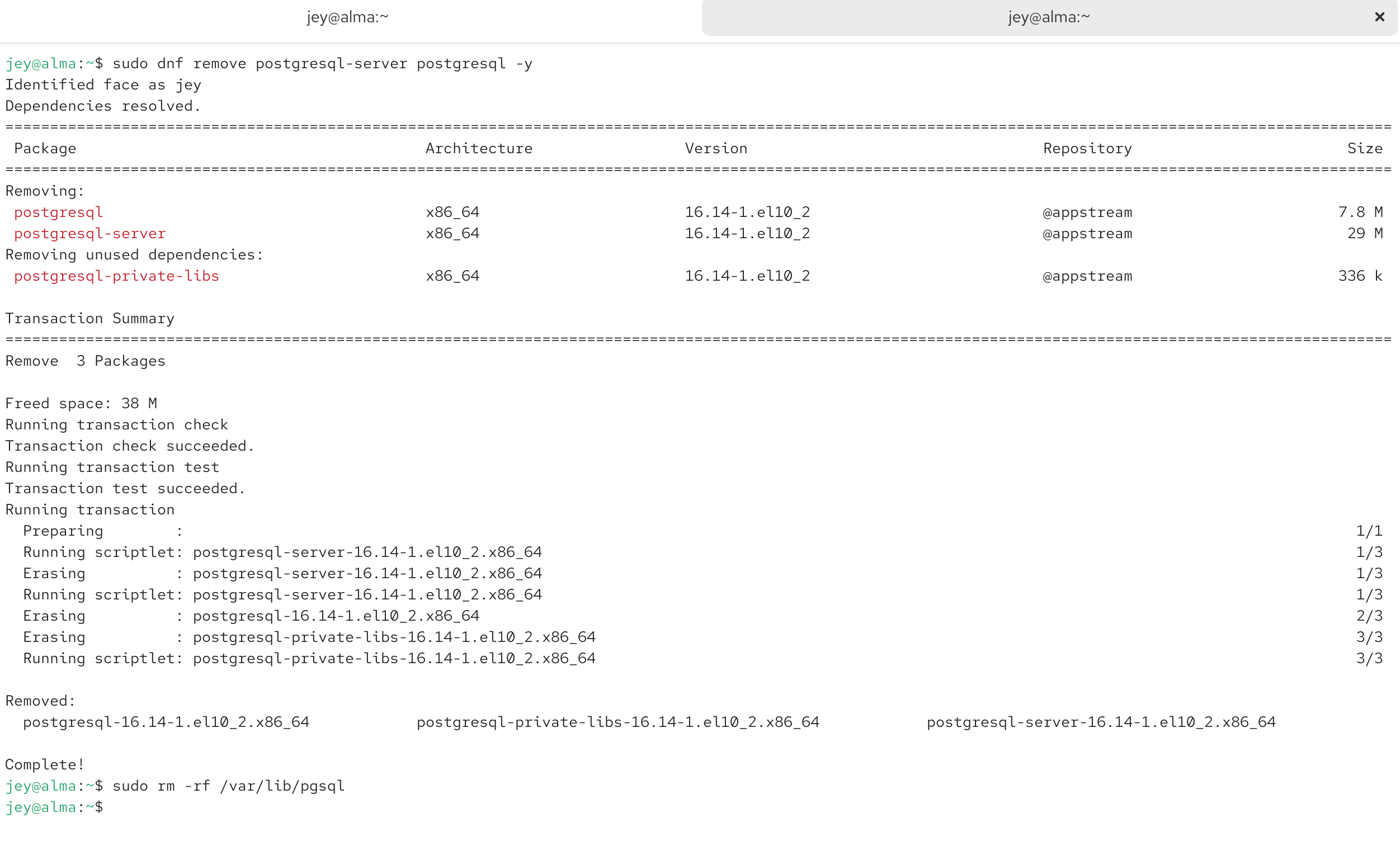
Remove PostgreSQL packages:
Optionally remove the data directory (this permanently deletes all databases):
Conclusion
Installing PostgreSQL on AlmaLinux 10 is straightforward using the DNF package manager. After installation, initialize the database cluster, start the service, create a database, and verify that PostgreSQL is ready for application development.
Related AlmaLinux 10 Tutorials
How to Install Nginx on AlmaLinux 10